Try Gnoblin in a window
The devkit runs a nested Gnoblin session inside your Wayland desktop.
Use it to test a build without logging out.
make builds the viewer. ./build.sh omits it, and the first ./build.sh --preview
builds it for you.
First complete the source build. make preview runs the
build in build/stage and needs no make install.
Start
From the extracted source tarball or a checkout:
make previewA desktop viewer and terminal open. Programs started from that terminal connect to the nested compositor. The devkit provides a 1280×720 output inside the viewer.
When Waybar is installed, the preview starts a small panel that shows the time, CPU use, and memory use with a devkit-owned config.
Waybar is an optional shell client; Gnoblin provides the compositor and runtime APIs, not a built-in panel or launcher. Without Waybar, the output stays empty until you start a shell or layer-shell client.
The terminal is a separate window on your host desktop. The preview uses a disposable config directory; it does not load your normal Gnoblin config or start shell services from your host login.
If your Gnoblin config autostarts a shell, copy it into the preview with:
GNOBLIN_DEVKIT_CONFIG_SOURCE="${XDG_CONFIG_HOME:-$HOME/.config}/gnoblin" \
make preview
If Waybar is installed, start it automatically with the preview:
GNOBLIN_DEVKIT_EXEC='waybar' make preview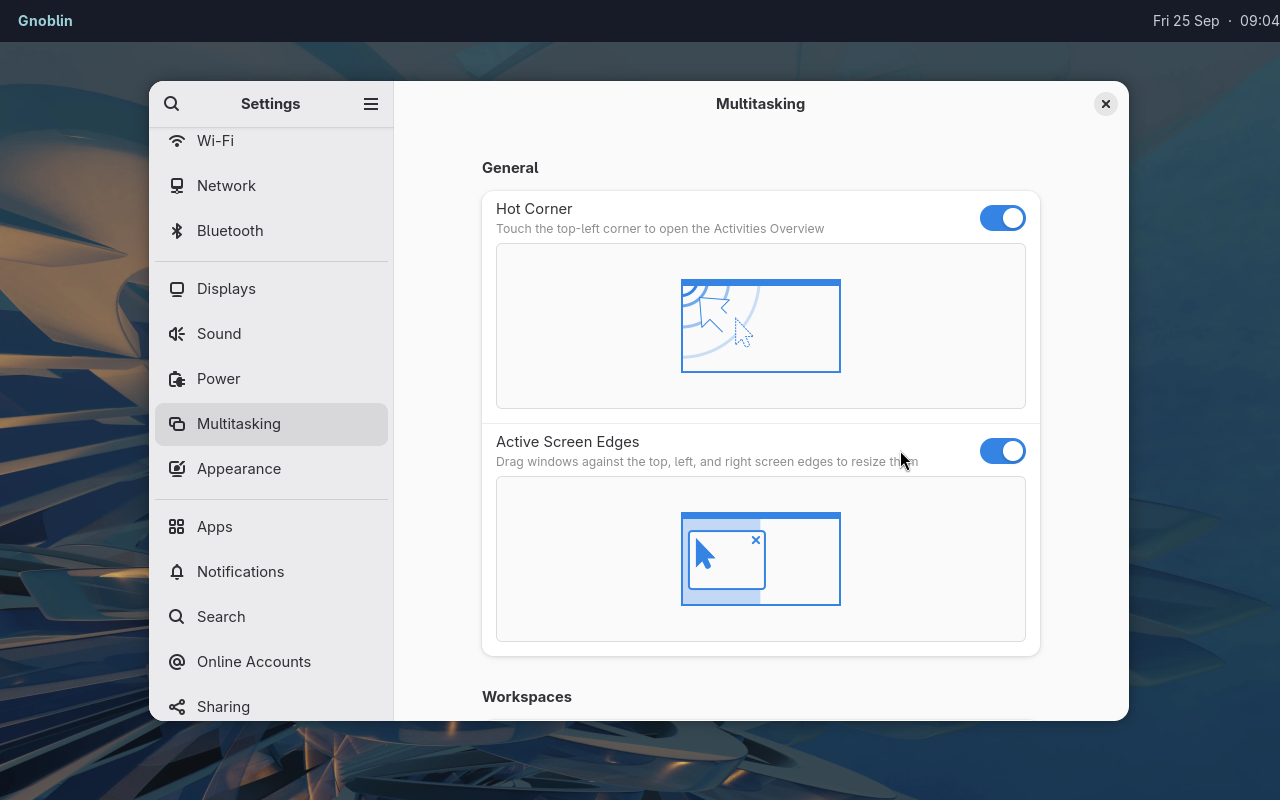
The nested session can run a separate bar and stock desktop applications.
To choose a terminal explicitly:
./build.sh --preview --terminal kittyTry your shell
From the host terminal opened by the devkit, launch an installed shell or layer-shell client. The terminal uses a temporary home directory, so use an absolute path to a shell checkout:
qs -p /path/to/my-shellThe shell should appear inside the viewer. To try only a panel, run waybar.
Close the terminal to stop the devkit.
Options
| Variable | Accepted values | Default | Purpose |
|---|---|---|---|
GNOBLIN_DEVKIT_EXEC |
Shell command string | Unset | Runs the command with bash -c instead of opening a terminal or starting the sample Waybar panel. |
GNOBLIN_DEVKIT_CONFIG_SOURCE |
Directory path | Unset | Copies this config tree into the devkit's disposable config directory. |
Run a command
GNOBLIN_DEVKIT_EXEC='gnoblinctl version' \
make preview
The command runs inside the nested Gnoblin session. A host Wayland display is required to show the viewer; close the viewer to stop the session.
Isolation
The nested display and D-Bus bus are separate. The devkit uses disposable home and XDG directories, and exposes the host PipeWire socket when available.
Applications launched inside the devkit can still access host services and files available to your user. This is not a security sandbox.
For a fresh profile, including screenshots and demos, run:
bash scripts/run-clean-devkit.shThis creates disposable home, config, data, cache, state and runtime directories and removes them when the devkit closes. The viewer still connects to your host Wayland session and may use its PipeWire socket. Use a VM when the guest must be fully separate from host services. Check the image before publishing it.
Documentation captures
The checked-in documentation scenes can be recaptured with:
scripts/capture-doc-examples.sh site-firefox
scripts/capture-doc-examples.sh waybar-firefox
scripts/capture-doc-examples.sh waybar-launcher
scripts/capture-doc-examples.sh waybar-settings
scripts/capture-doc-examples.sh waybar-quickshell-dock
scripts/capture-doc-examples.sh quickshell-firefox
scripts/capture-doc-examples.sh quickshell-files
scripts/capture-doc-examples.sh window-effects
GNOBLIN_DOC_BINGUX_PATH=../bingux/shell/bingux scripts/capture-doc-examples.sh bingux-firefox
GNOBLIN_DOC_BINGUX_PATH=../bingux/shell/bingux scripts/capture-doc-examples.sh bingux-files
Each scene gets a disposable home and XDG profile. Firefox has its own clean
profile; site-firefox opens the configuration reference. Other Firefox scenes
open www.gnoblin.org by default. Captures set dark appearance in a disposable
DConf database.
Choose Bingux, Waybar with Mako or Quickshell for the visible shell. Bingux scenes load its packaged Gnoblin defaults and use neutral shell preferences. Captures include the pointer and omit terminal windows.
Set GNOBLIN_DOC_SITE_URL or GNOBLIN_DOC_FIREFOX_URL to choose another page.
Pass a second argument for a different output directory. Captures need a visible
Wayland session, a current build (make, or a prefix from ./build.sh) and the apps used by the scene. See the
shell guide for the resulting setups.
The private test harness is for automated checks. A devkit capture shows the nested session, not an installed login session.
Troubleshooting
| Problem | Next step |
|---|---|
No host WAYLAND_DISPLAY |
Start the preview from a Wayland desktop |
| No staged build | Run make |
| No terminal found | Install one or pass its command explicitly |
| Quickshell/Qt mismatch | Install or rebuild a matching Quickshell |
EBUSY taking the session |
Use this devkit launcher, not a direct native/KMS launch |