Bingux
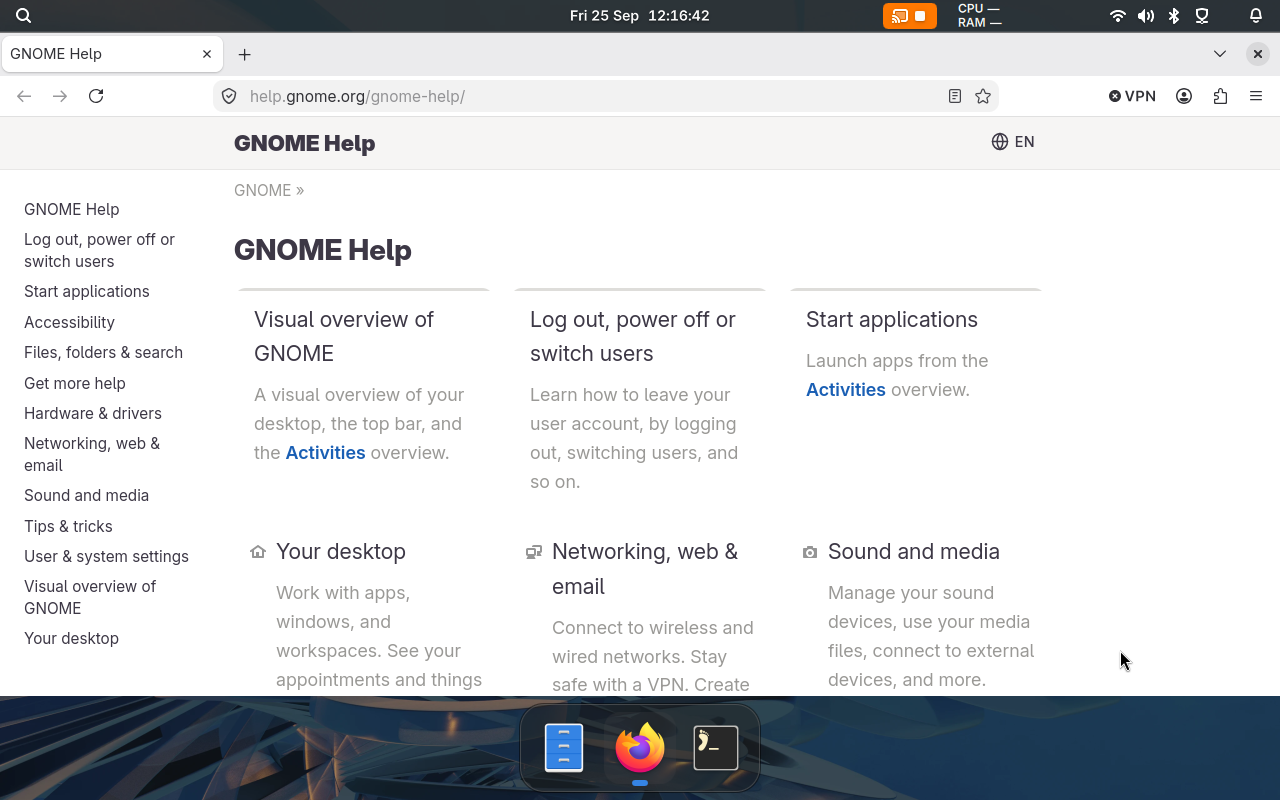
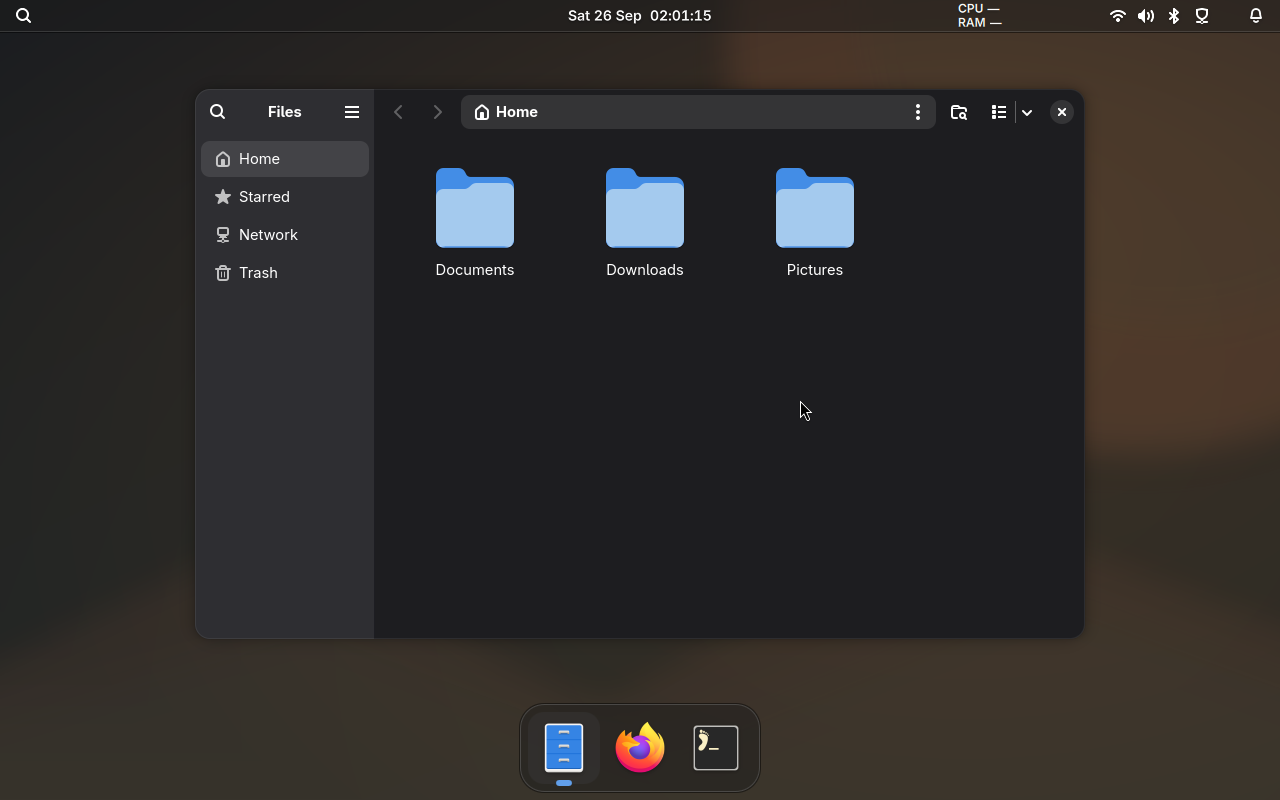
Bingux is a desktop for Gnoblin. It provides the top bar, dock, application search, notifications, media controls and a sidebar for notes, a terminal and system information.
On this page
Install
-
Add the package repositories. When the script asks, press Space to select Bingux, then press Enter:
Shellcurl -fsSL https://repo.gnoblin.org/setup.sh | shInstall Gnoblin explains the script and the steps it replaces.
-
Install the
binguxpackage with your package manager, for examplesudo dnf install binguxorsudo apt install bingux. Bingux installs Gnoblin with it. -
Log out. At the login screen, choose your user, open the session menu and choose Gnoblin. Bingux starts with the session.
Apps
Install the apps you want with your package manager.
| Package | What it is |
|---|---|
bingux-files |
Files, the file manager |
bingux-settings |
Settings |
bingux-taxonomy |
A window that shows every Bingux UI component |
To open an app, search for it in Bingux or run its name, for example bingux-settings.
Update and remove
Update Bingux with the rest of your system. To remove it, remove the bingux package and the apps with your package
manager. This keeps your settings and data.
More information
- Bingux on GitHub has the source, issues and the full documentation
- Package management lists every Bingux package and repository
- Standalone install builds Bingux for your own user from source
- Choose a shell lists other shells that work with Gnoblin